

If you run events, you know there are two very different attendee experiences:
The one you planned: seamless check-in, packed sessions, smooth transitions, everyone magically knows where to go.
The one that actually happens: someone is standing in the hallway holding a coffee, squinting at the agenda, trying to figure out where Hub 2 is and whether they’re already late.
For DEMOFEST NYC, we wanted to make the day easier to navigate without adding more static PDFs, more signage, or more last-minute “where am I supposed to be?” questions for the team.
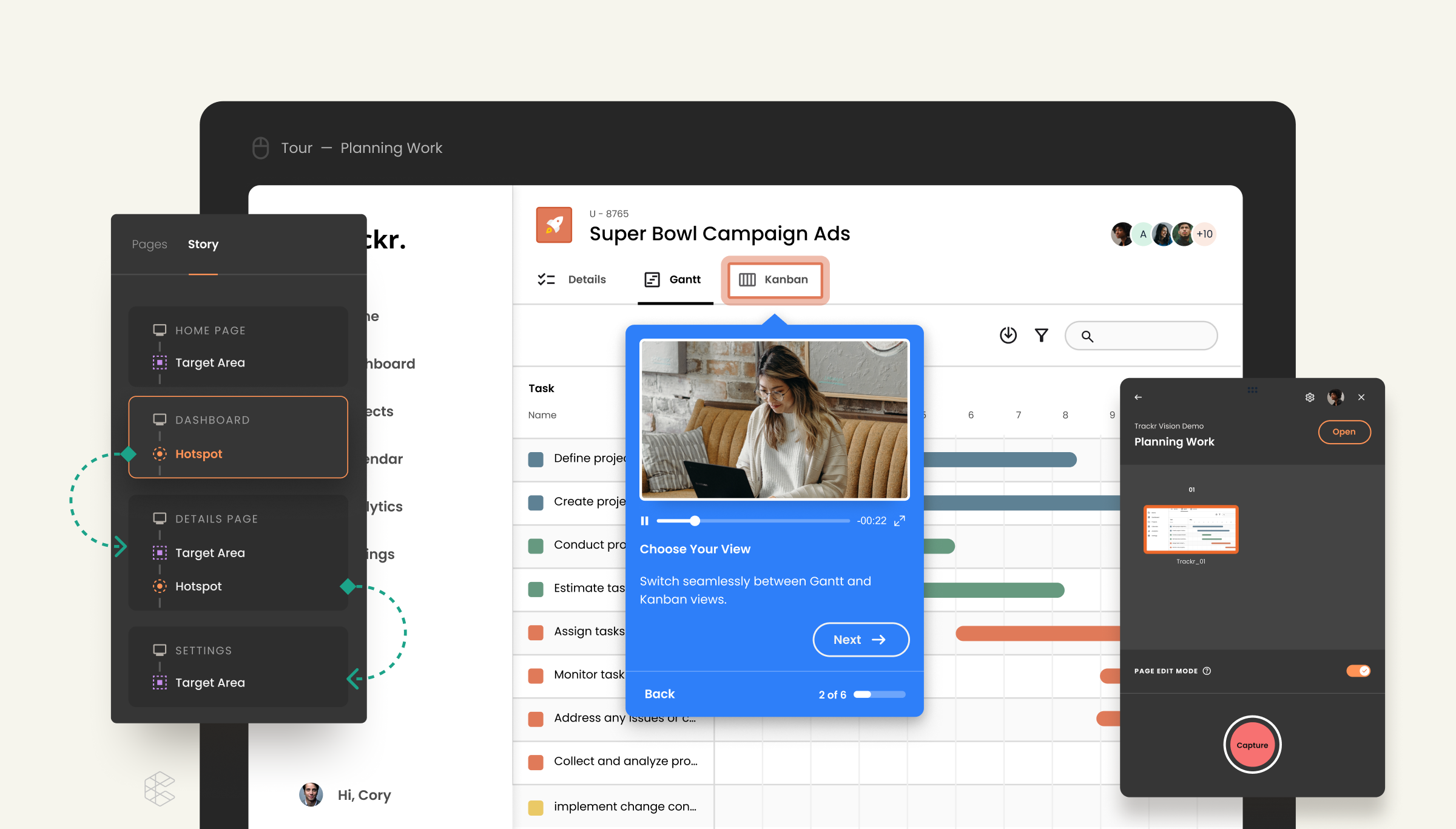
So we built an interactive tour of the venue.
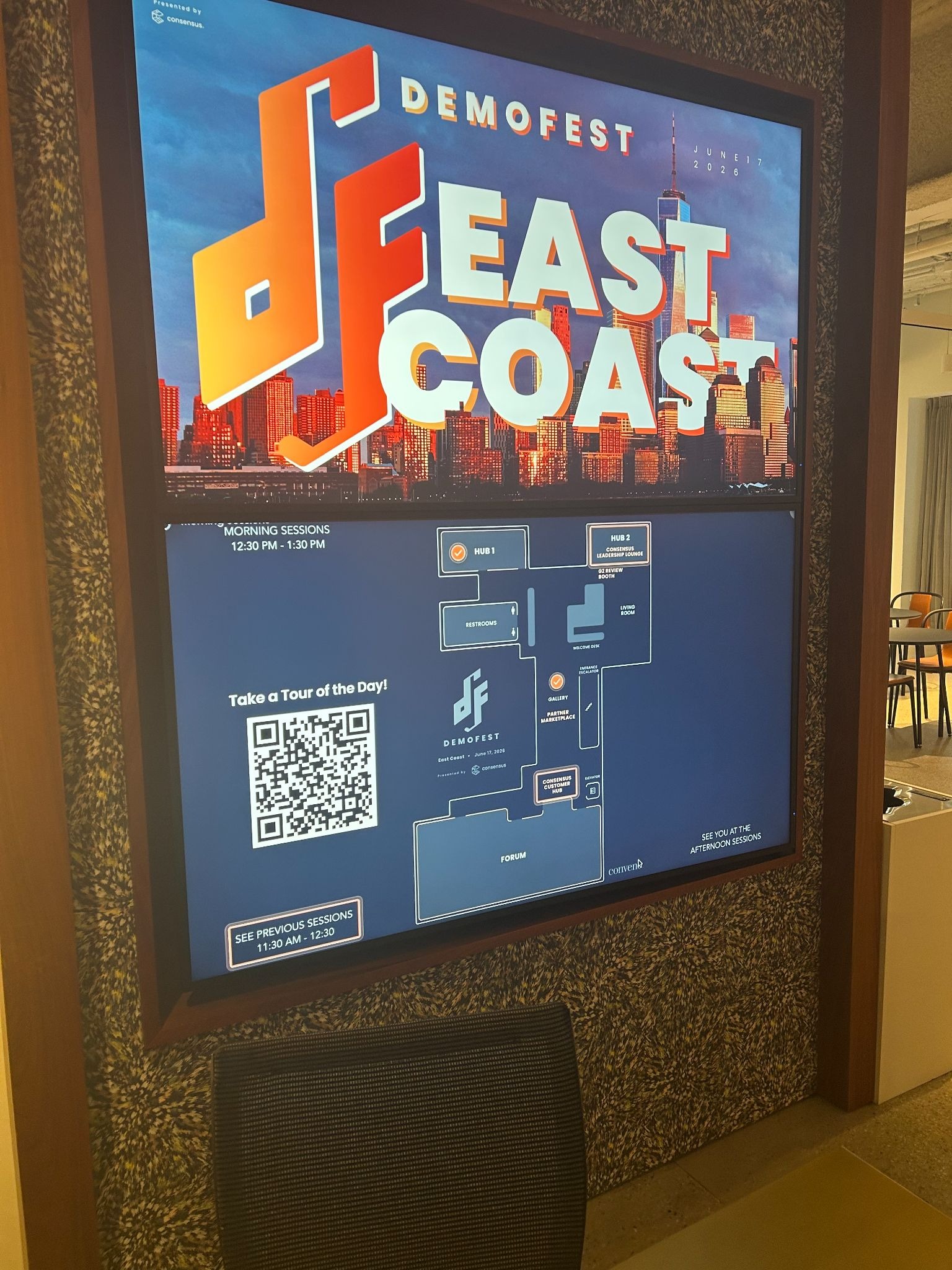
It showed attendees where and when sessions were happening, and where key areas like partner booths were located. Then we used that same tour in two different ways:
- Ahead of the event in our Know Before You Go email
- Onsite during the event as looping video signage on screens around the venue
It ended up being one of my favorite examples of using our own product in a way that’s genuinely helpful.
1. Send the venue tour before the event
Before DEMOFEST, we included the interactive tour in our Know Before You Go email so attendees could click around and get familiar with the space before they arrived.
And people actually used it.
The tour was the top-clicked link in an email that had a 19% click-through rate overall (and yes, that’s sans bots). Once people opened the tour, they stuck around too: we saw a 93.3% view rate, and attendees were actively clicking through hotspots to find their favorite sessions and partner booth locations.
Which makes perfect sense in hindsight.
People don’t just want to know that your event starts at 9:00 a.m. They want to know:
- Where they’re going
- How to get there
- Which room has the session they care about
- And ideally, how to avoid wandering into the wrong breakout looking panicked
A static agenda can tell someone what’s happening. An interactive tour helps them picture the day.
2. Turn the same tour into onsite signage
This is the part I’d absolutely recommend stealing.
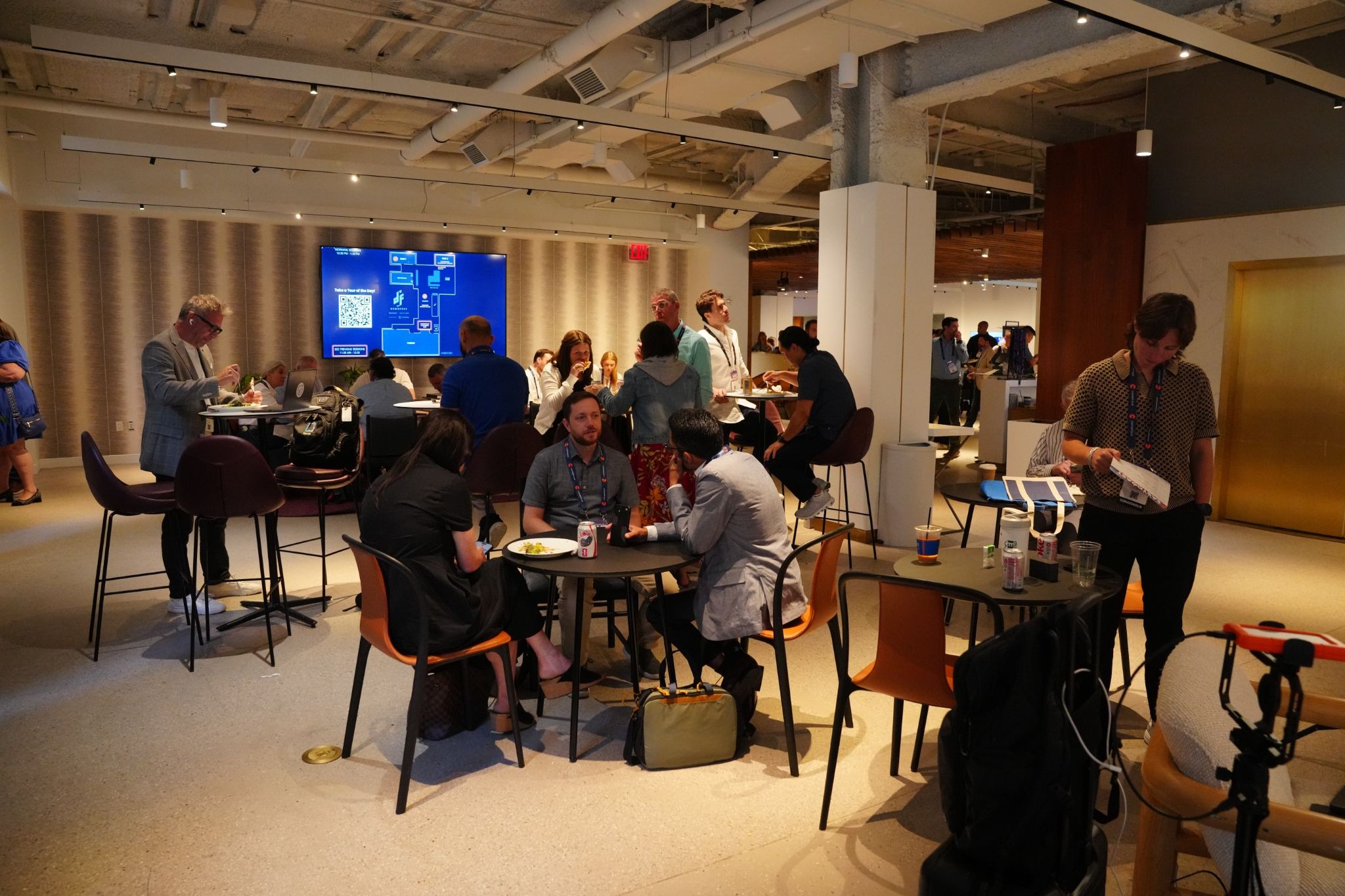
Once the tour was built, we screen-recorded a walkthrough of it and exported that recording as a video. Then we played it on a loop on TVs throughout the venue during the event.
So the same asset that helped attendees prepare before DEMOFEST also became day-of signage.
It looked polished, reinforced the event schedule visually, and most importantly, it cut down on the number of confused attendees wandering around looking stressed.
Here’s our cute little venue tour:
Why this worked
There are a few reasons I’d do this again for any owned event:
1. It solved a real attendee problem
The tour made the venue easier to navigate and helped people feel oriented before they even showed up.
2. It extended the value of one asset
The same tour worked as:
- a pre-event planning tool
- a top-performing email asset
- onsite visual signage throughout the day
That’s the kind of reuse event marketers should always be looking for, especially when conference season turns everyone into a full-time project manager with a caffeine dependency.
3. It was more engaging than a static map
Attendees weren’t just glancing at a floor plan. They were clicking into hotspots, finding the sessions they cared about, and exploring the space on their own terms.
That matters. The more intuitive you can make the event experience, the less friction attendees feel throughout the day.
A few practical tips if you want to try this
If you’re building a venue tour for your own event, here’s what I’d recommend:
Add clear hotspots for the things people care about most
Think session rooms, keynote spaces, partner booths, registration, food, bathrooms, and any area people are likely to ask about 14 times.
Share it before the event, not just onsite
The value isn’t just helping people navigate once they arrive. It’s helping them show up already knowing where they want to go.
Screen record it for onsite use
This is the easiest way to get extra mileage out of the tour. Export a walkthrough video and run it on venue screens throughout the day so people can re-orient themselves between sessions. Add a QR code if you’re feeling fancy for mobile viewing.
One small thing that made a big difference
I like event marketing because it’s one of the few jobs where you can spend months planning a beautiful experience and still end up solving a crisis about extension cords at 7:14 a.m.
So I’m always a fan of simple ideas that make the day smoother for attendees and easier on the team running the event.
For us, the venue tour did exactly that.
It gave attendees a better way to navigate DEMOFEST, gave us a high-performing asset for our pre-event email, and gave us polished onsite signage without creating a completely separate project.
Not bad for one little tour.
And to all the event marketers gearing up for fall conference season: I see you, I appreciate you, and I sincerely hope your badge printer behaves.
Learn more about Consensus tours.