
A compelling product demo can help buyers understand your solution long before—and well beyond—a live sales conversation. But the platform behind that experience determines how easily your entire GTM team can create, update, personalize, and share product content across the buyer journey. According to Wyzowl, 93% of video marketers say video has helped increase customer understanding of their product or service, while 63% of consumers say they’d rather watch a short video than read about one. For marketing, sales, presales, product marketing, and customer success teams, the opportunity is bigger than simply creating better video: it’s delivering the right product experience to the right buyer at the right moment.
The best SaaS demo software goes far beyond basic screen recording. Today’s GTM teams can use AI to create and polish demo content faster, generate voiceovers, translate experiences, maintain consistent branding, and build interactive product experiences tailored to different buyer needs and stages of the journey.
This guide compares the best demo platforms based on content creation capabilities, speed to publish and update, pricing, user feedback, interactivity, and the types of product experiences each platform supports best. Whether you’re in marketing, sales, presales, product marketing, enablement, or customer success, the goal is the same: make it easier to deliver relevant product experiences at scale.
Key Takeaways
- Product demo videos help SaaS buyers understand software and compare options before speaking with sales.
- SaaS product demo tools range from screen recorders and video editors to AI generators and interactive demo platforms.
- AI can handle scripts, voiceovers, captions, translations, scene creation, and content updates, reducing manual production work.
- Interactive demos let buyers choose relevant workflows, while engagement data shows sales teams which products and features drew attention.
SaaS Product Demo Video Software: A Quick Overview
SaaS product demo video software helps teams record, edit, narrate, brand, and publish videos that explain how a product works. Some platforms focus on screen recording, while others add AI generation, interactive tours, simulations, or buyer analytics. The right software helps teams keep demos up to date, reuse content across sales and marketing channels, and give buyers a practical way to evaluate the product before a meeting.
|
Platform |
Best for |
Key features |
G2 rating |
|---|---|---|---|
|
Consensus |
Personalized buyer-led demos across complex SaaS sales |
Trupeer-powered AI video, interactive demos, tours, simulations, buyer signals |
4.7/5 |
|
Arcade |
Branded AI videos and interactive product stories |
AI generation, interactive demos, brand kits, branching, analytics |
4.6/5 |
|
Camtasia |
Detailed screen recordings with timeline-based editing |
Multitrack capture, text editing, cursor effects, AI voices |
4.6/5 |
|
Descript |
Transcript-based editing for video and audio content |
Text-based editing, screen recording, Underlord, AI speech tools |
4.6/5 |
|
HeyGen |
Multilingual avatar videos for product education |
AI avatars, Video Agent, voice cloning, translation |
4.8/5 |
|
InVideo |
AI-generated promotional videos and longer creative projects |
AI agents, project memory, storyboards, timeline editing |
4.3/5 |
|
Leadde |
Document-based training and onboarding video production |
Document-to-video, avatars, localization, interactive chat |
No rating yet |
|
Loom |
Quick screen recordings for demos and communication |
Screen capture, sharing, Loom AI, viewer engagement |
4.7/5 |
|
Navattic |
Interactive product tours across the buyer journey |
AI agents, Copilot, branching demos, Launchpad, analytics |
4.8/5 |
|
ngram |
Turning product content into AI-generated videos |
Multiple inputs, storyboards, plain-language edits, brand kits |
4.8/5 |
|
Screen Studio |
Polished macOS recordings for product walkthroughs |
Automatic zoom, cursor effects, captions, 4K exports |
4.5/5 |
|
Synthesia |
Multilingual avatar videos for training and enablement |
AI avatars, screen recording, translation, interactive video |
4.6/5 |
The Growing Importance of Product Demo Videos
Product demo videos give buyers a practical way to understand software, compare platforms, and decide which products deserve a closer look.
- They support buyers who want to research independently. A clear demo lets someone assess the interface and core workflows without scheduling a call. Gartner found that 67% of B2B buyers prefer a rep-free sales experience.
- They help SaaS companies reach buyers before the shortlist is settled. Buyers may rule out a platform when they cannot see how it works during their initial research. 6sense found that 94% of buying groups ranked vendors before contacting sales. They purchased from their preferred vendor 77% of the time.
- They make complex products easier to understand. Demo videos connect features to real tasks, giving buyers more context than screenshots or written descriptions alone. Wyzowl reports that 96% of people have watched an explainer video to learn about a product or service.
- They give buyers evidence they can use to compare products. A demo allows someone to inspect the workflow rather than relying solely on marketing claims. TrustRadius found that 54% of technology buyers used at least one type of demo. Among those buyers, 71% called demos their most influential resource.
- They extend product expertise across the sales process. Teams can share demos before meetings, tailor them to different use cases, and give other decision-makers a consistent product experience.
Product demo software helps teams create these experiences without having to rebuild every walkthrough from scratch. A video can explain a workflow, while interactive demos let buyers explore the product's features that address their needs.
The 12 Best SaaS Product Demo Video Software Options to Consider Today
Product demo video software helps you record your product, explain key workflows, add narration and branding, and publish content for buyers. The best tools also support quick updates, multiple demo formats, and content tailored to different audiences. We compiled this list by comparing demo formats, AI and editing tools, publishing options, pricing, and verified user reviews.
1. Consensus
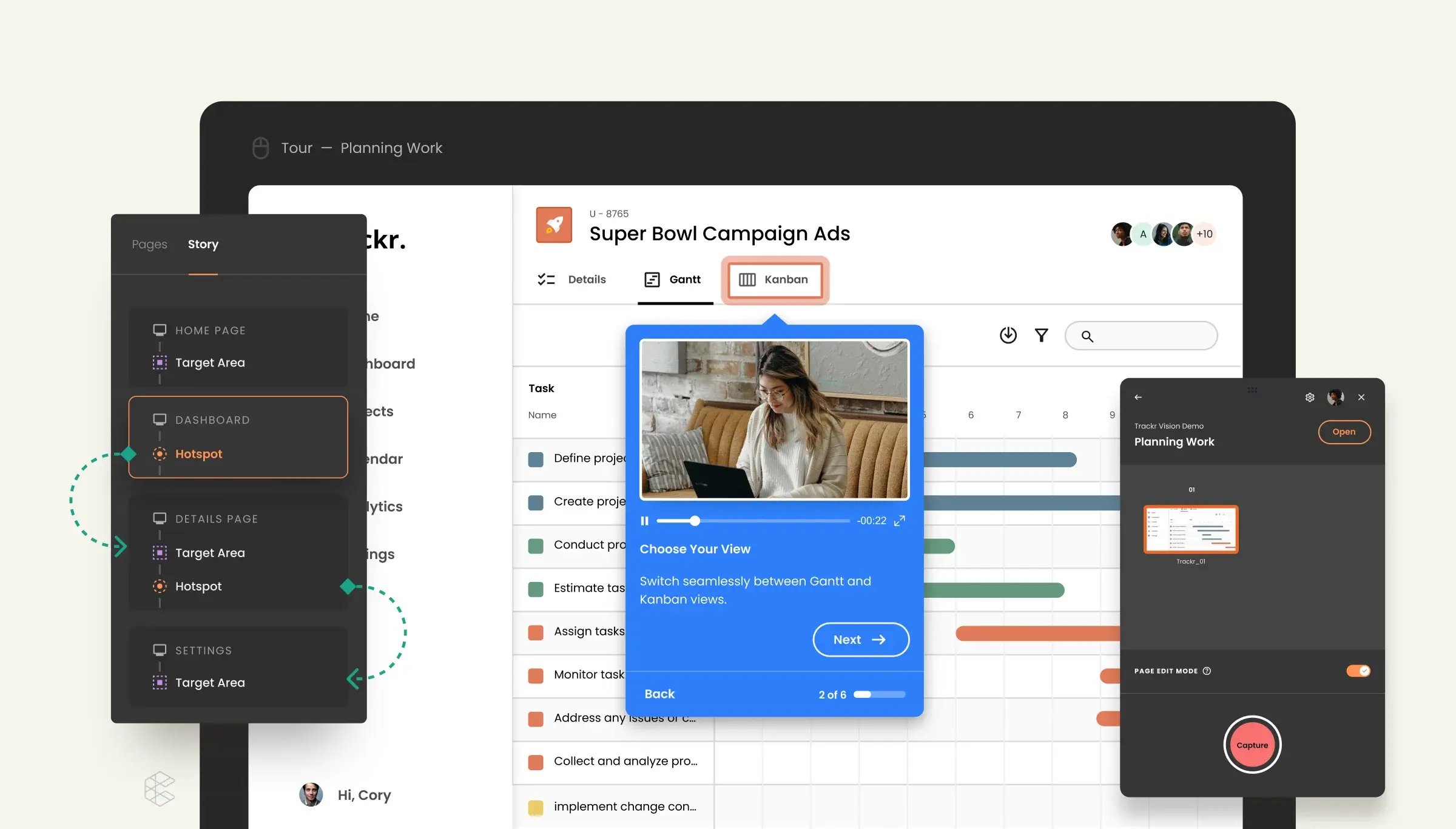
Consensus is the world's most trusted demo platform, rated #1 in Demo Automation on G2, connecting agent, buyer, and seller-led demos, from interactive product tours and AI demo agents to video and live demos with real-time data injection, into one continuous experience. Every interaction creates Demo Intelligence, so revenue leaders shorten deal cycles, raise win rates, and forecast with confidence.
Through its partnership with Trupeer, Consensus can turn screen recordings into polished product videos with AI-generated scripts, voiceovers, captions, translations, and branded visuals. Teams can then place those videos inside interactive demo experiences instead of sending buyers another static recording.
Key features:
- AI video creation: Turns screen recordings into polished product videos with AI-generated scripts, voiceovers, captions, translations, and branded visuals through Trupeer
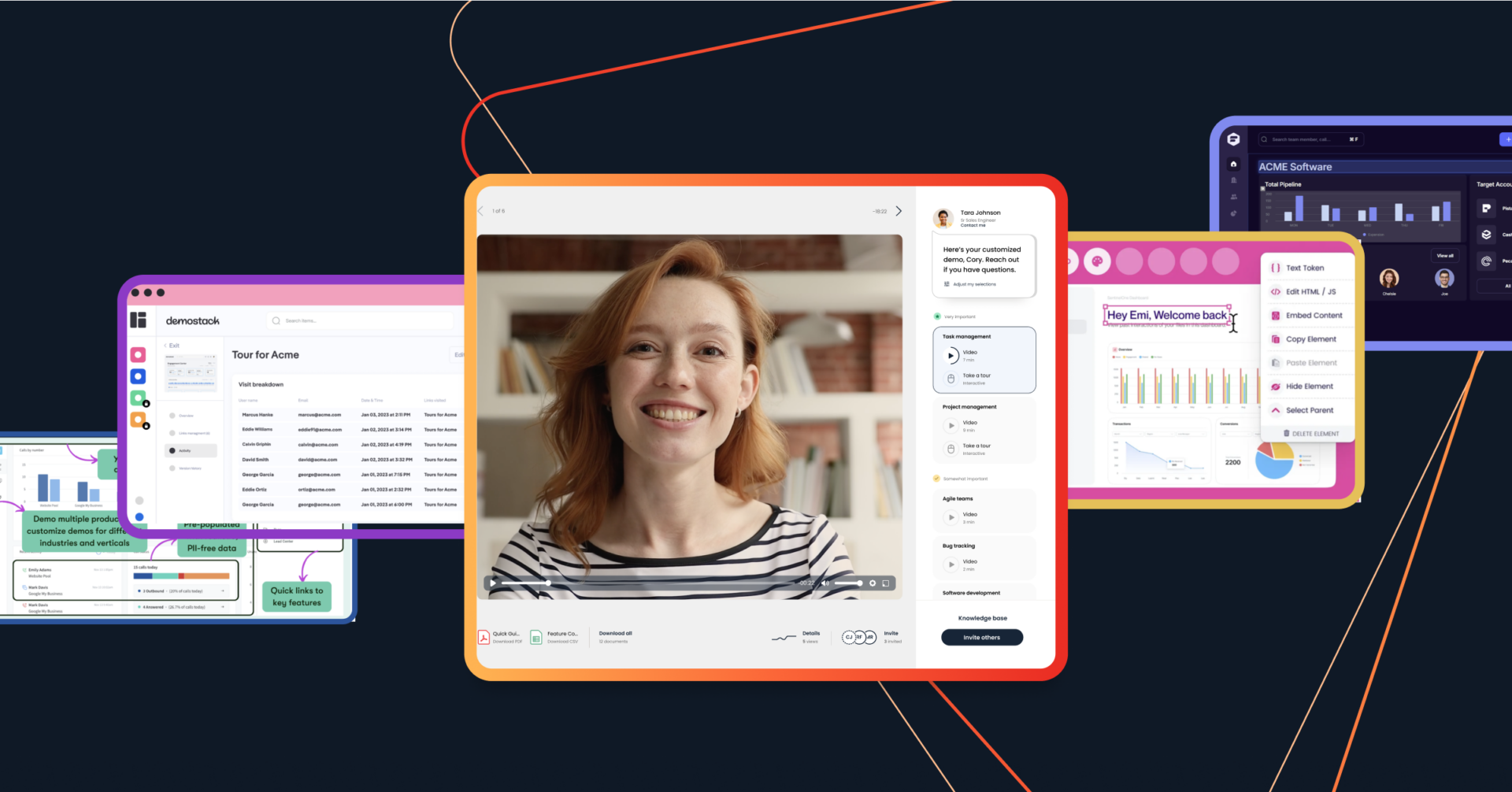
- Interactive video demos: Let buyers choose the products, topics, and use cases they want to explore, creating a more personalized experience than a fixed, linear recording
- Product tours and simulations: Build clickable, self-guided product walkthroughs that help buyers explore key features and workflows on their own.
- Live demos: Lets teams demo their native product with contextualized, relevant demo data tailored to each buyer—helping eliminate broken environments and generic demos while delivering more consistent, high-impact live experiences that move deals forward faster
- AI-powered content updates: Uses prompts to change fields, branding, storyboards, and voiceovers across relevant demos
- Buyer engagement data: Shows which stakeholders engaged with a demo, what they selected, and where they spent time so GTM teams can better understand buyer priorities
- Sales and marketing integrations: Connects demo engagement with CRM, sales engagement, email, and marketing platforms so buyer activity can inform follow-up across the GTM team
Pricing:
- Starter: Starts at $600 per month
- Pro: Starts at $1,250 per month
- Enterprise: Custom pricing
User testimonials:
“Consensus has been most helpful for educating my customers without requiring much lift from my technical team. It has helped shift discovery into the demonstration phase. Customers can learn more on their own time by viewing Consensus, and it allows them to come to the table with specific questions and a general awareness of the solutions I can provide in the later stages of the sales process.” User testimonials
2. Arcade
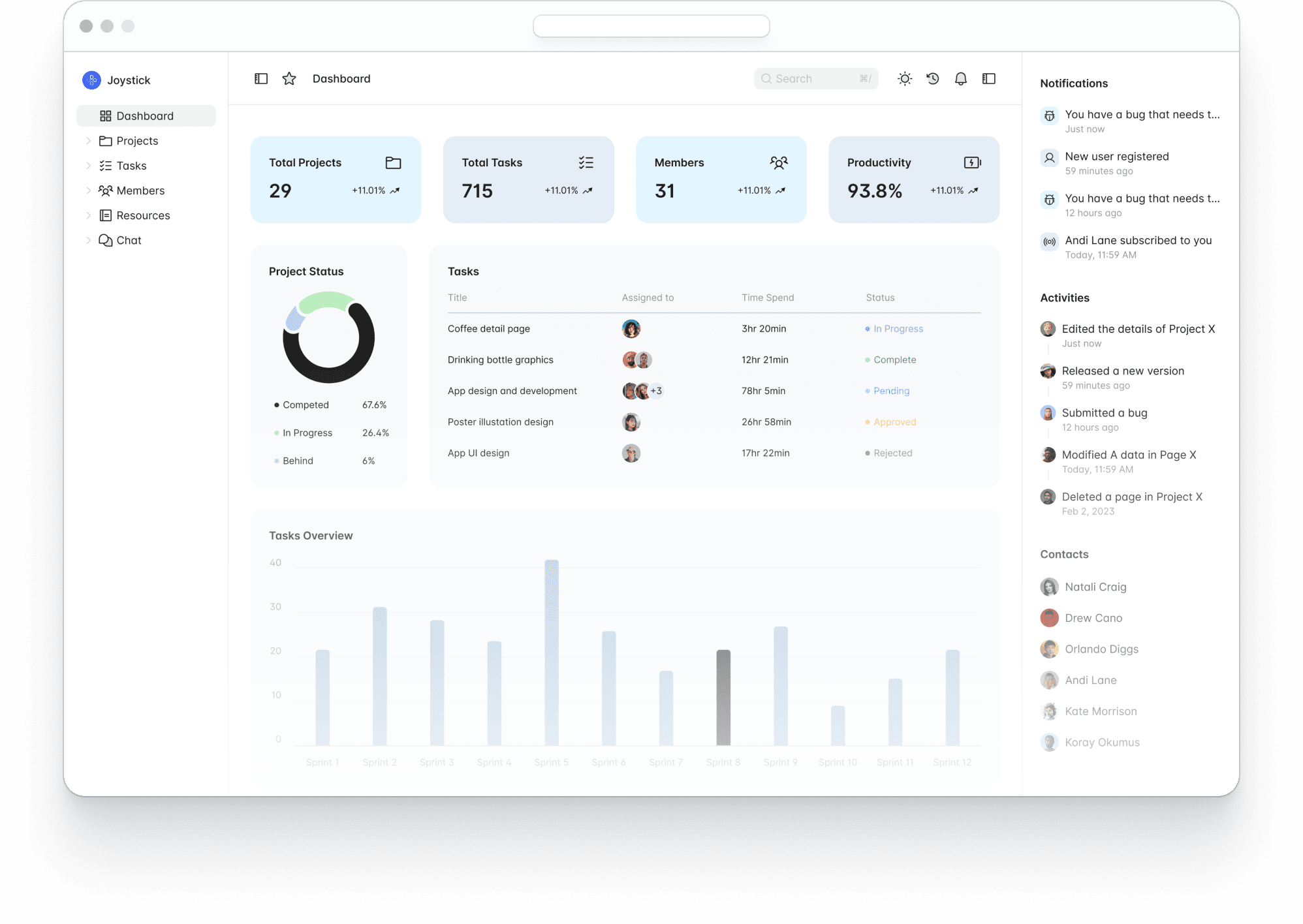
Arcade is an AI content platform for creating product videos, interactive demos, and visual assets. Teams can start with prompts, screenshots, recordings, or product files, then apply brand settings and edit each scene with AI or manual controls.
Key features:
- AI video generation: Turns prompts, screenshots, product documents, and recordings into product videos with scripts, animations, and calls to action
- Interactive demos: Builds clickable walkthroughs with hotspots, chapters, branching paths, forms, and voiceovers
- Brand kits: Applies approved colors, fonts, logos, writing styles, and visual direction across videos and demos
- AI editing: Requests broad or scene-level changes with prompts, then adjust individual elements manually
Pricing:
- Free: $0 per month
- Growth: Starts at $50 per month per seat
- Enterprise: Custom pricing
User testimonials:
“I think they're working on it all the time, but I would still like to see additional improvements in terms of their AI video and asset generation features.” User testimonials
3. Camtasia
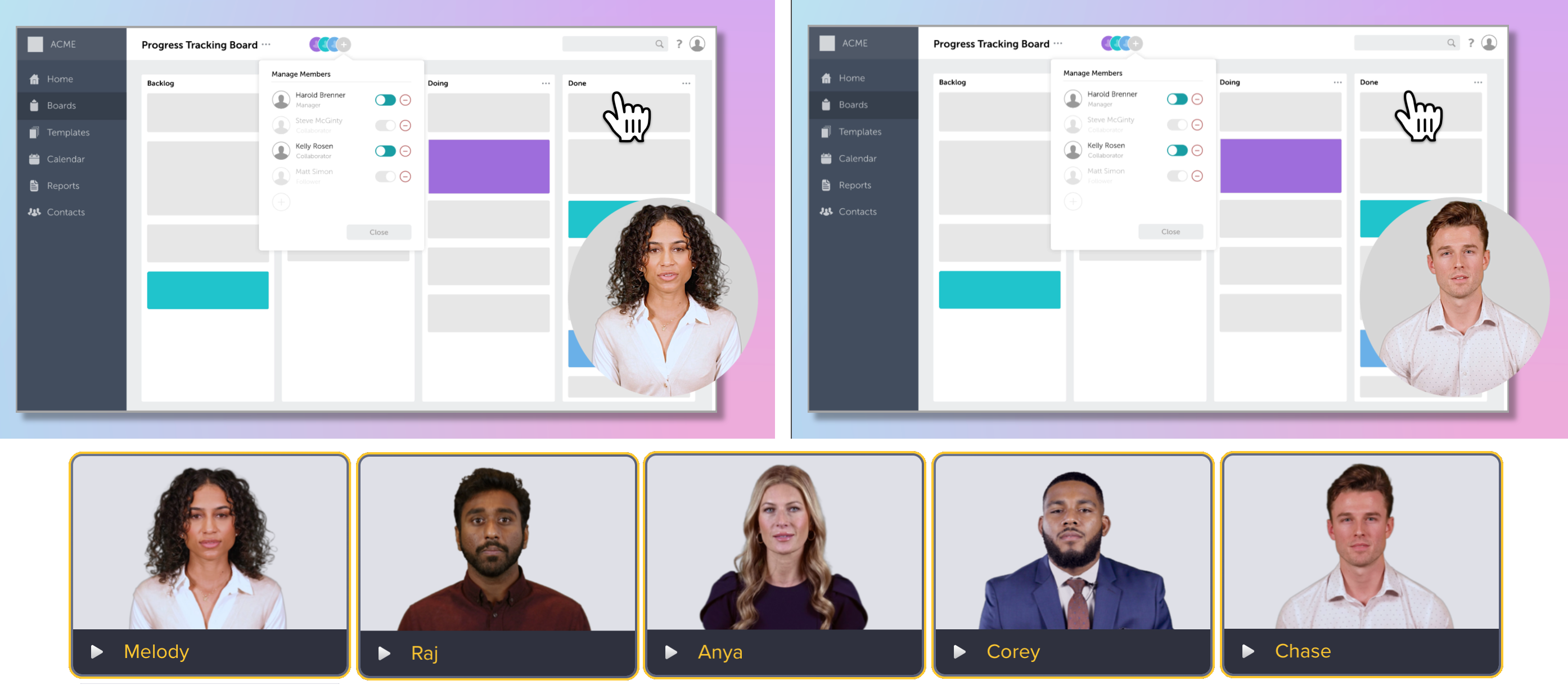
Camtasia is screen recording and video editing software for product demos, training videos, tutorials, and customer education. It records screen, camera, and audio separately, then combines them in a timeline-based editor.
Key features:
- Multitrack recording: Captures your screen, webcam, microphone, and system audio on separate tracks for independent editing
- Text-based editing: Edits the video transcript to remove spoken mistakes, filler words, and unwanted sections
- AI script and voice tools: Generates scripts, voiceovers, avatars, and translations for product videos
- Cursor effects and annotations: Adds zooms, highlights, callouts, and cursor movements that direct attention to each step
Pricing:
- Starter: Starts at $39 per year
- Essentials: Starts at $179.88 per year
- Create: Starts at $249 per year
- Pro: Starts at $599 per year
User testimonials:
“On occasion, finding a feature can be tricky, but I usually just look it up and am able to find it no problem! Export time can take a while, naturally. It also discourages you from saving raw files on the cloud drive, but I've never had a problem.” User testimonial
4. Descript
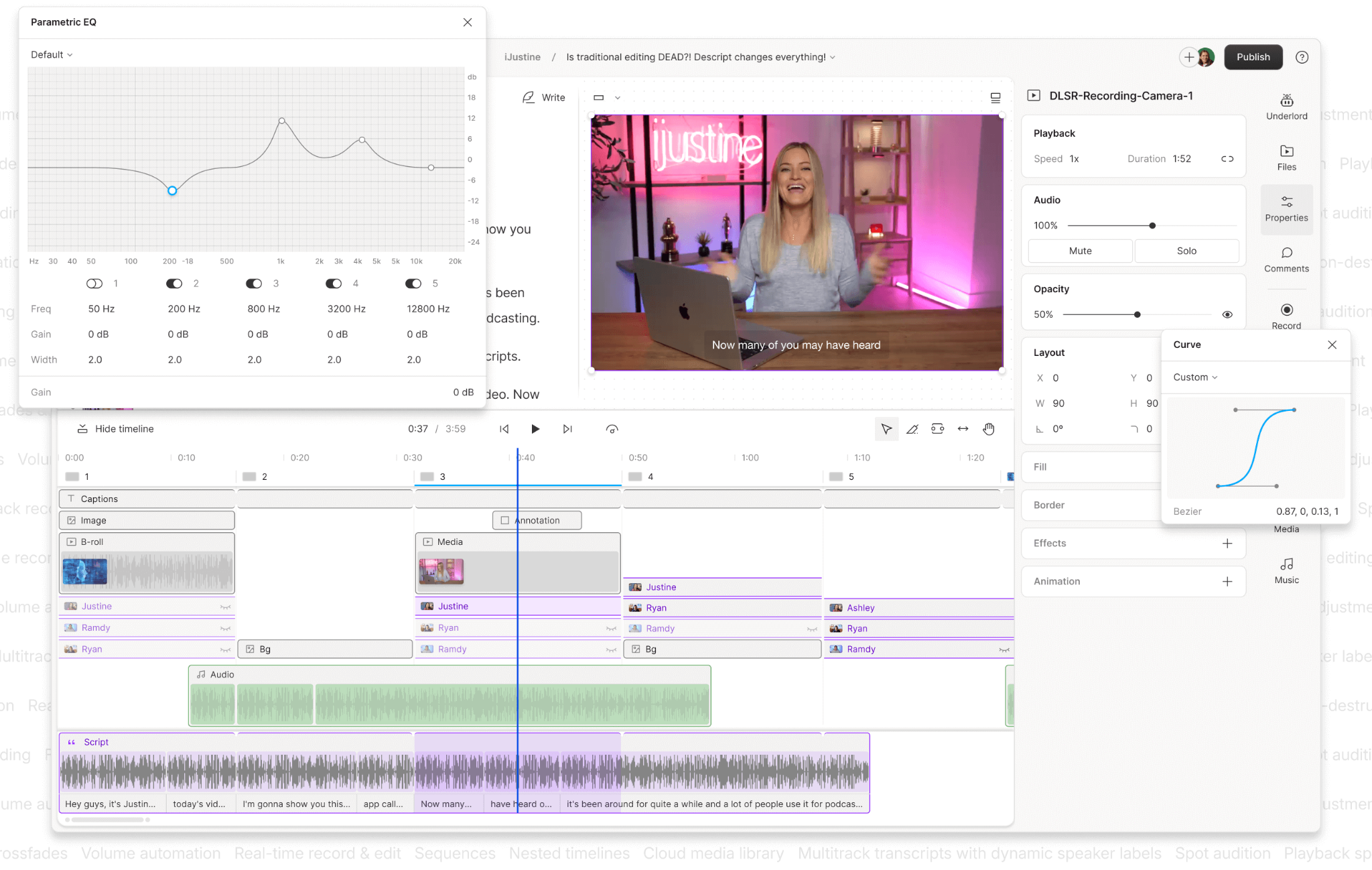
Descript is an AI video and audio editing platform for product demos, screen recordings, tutorials, podcasts, and social content. It converts recordings into editable transcripts, so users can remove mistakes, adjust scenes, and revise narration by editing text. Teams can also generate scripts, voiceovers, captions, translations, avatars, and supporting visuals within the same workspace.
Key features:
- Text-based editing: Edits a product demo by changing its transcript, removing words, pauses, mistakes, or entire sections
- Screen recording: Captures your screen, camera, and microphone for software walkthroughs, tutorials, and sales content
- Underlord AI assistant: Generates scripts, applies layouts, makes scene-level edits, and creates supporting visuals from prompts
- AI speech tools: Adds stock voices, clones a voice, or corrects spoken words without recording the full section again
Pricing:
- Free: $0 per month
- Hobbyist: Starts at $16 per person per month
- Creator: Starts at $24 per person per month
- Business: Starts at $50 per person per month
- Enterprise: Custom pricing
User testimonials:
“The biggest drawback is the need to review AI-generated transcripts. While the transcription quality is strong, I still spend time checking and correcting important terminology before publishing. Some AI features, such as voice cloning and advanced editing tools, are only available on higher-tier plans. Timeline editing is less flexible than professional video editors for advanced visual effects and animations.” User testimonial
5. HeyGen
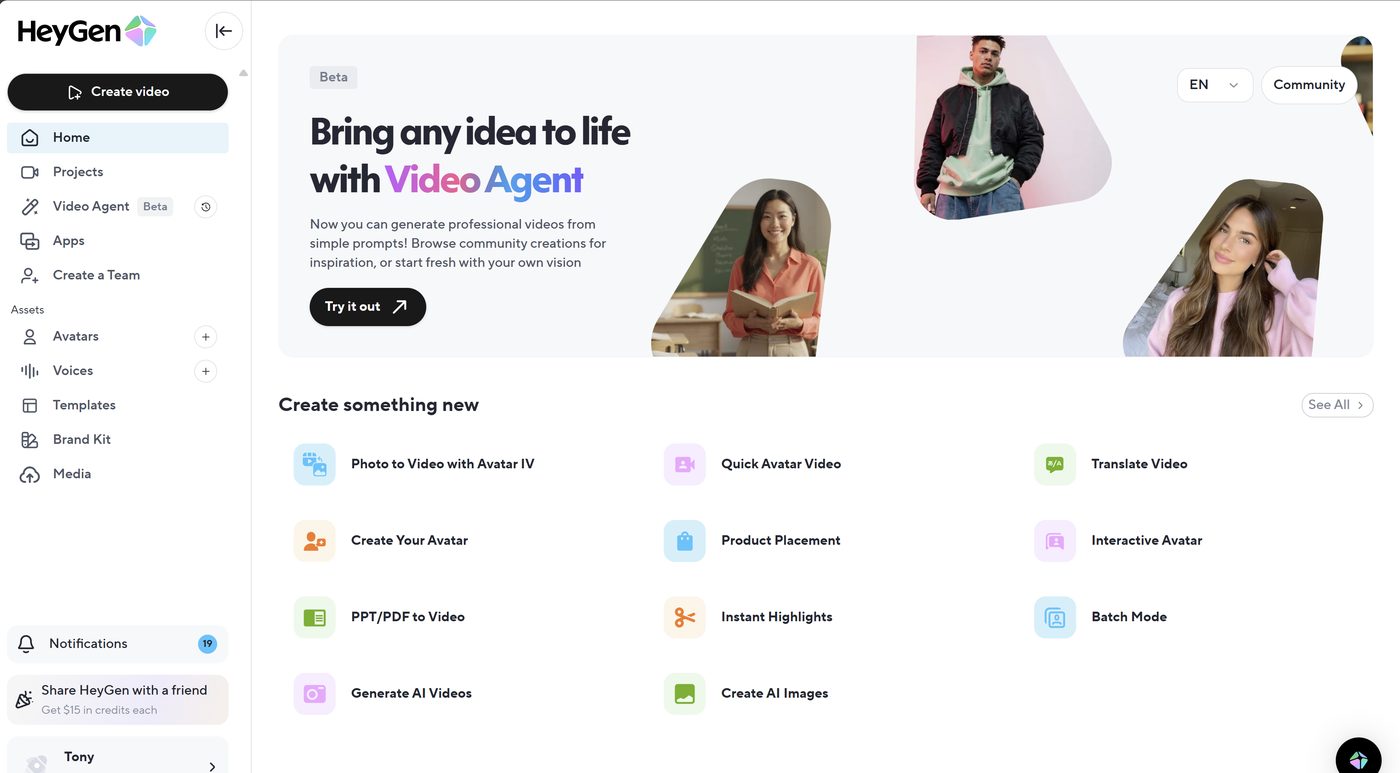
HeyGen is an AI video generation platform for product demos, explainers, training, sales outreach, and social content. It creates videos from prompts, scripts, images, audio, or presentations using AI avatars, voices, motion graphics, and templates. You can edit scenes in AI Studio, localize content in 175+ languages and dialects, and collaborate through shared workspaces.
Key features:
- AI avatars: Creates videos with stock presenters, photo avatars, or custom digital twins trained on a person’s appearance, voice, and movements
- Video Agent: Turns a written prompt into an editable video with a script, presenter footage, motion graphics, B-roll, and on-screen text
- AI Studio: Adjusts scripts, pacing, gestures, layouts, colors, and scene timing through a text-based editor
- Video translation: Translates and dubs videos in more than 175 languages and dialects while matching speech to facial movements
Pricing:
- Free: $0 per month
- Creator: Starts at $29 per month
- Pro: Starts at $49 per month
- Business: Starts at $149 per month, plus $20 per seat
- Enterprise: Custom pricing
User testimonials:
“The credit system takes a bit of getting used to, and re-rendering after a small script edit costs you the same as a fresh video.” User testimonial
6. InVideo
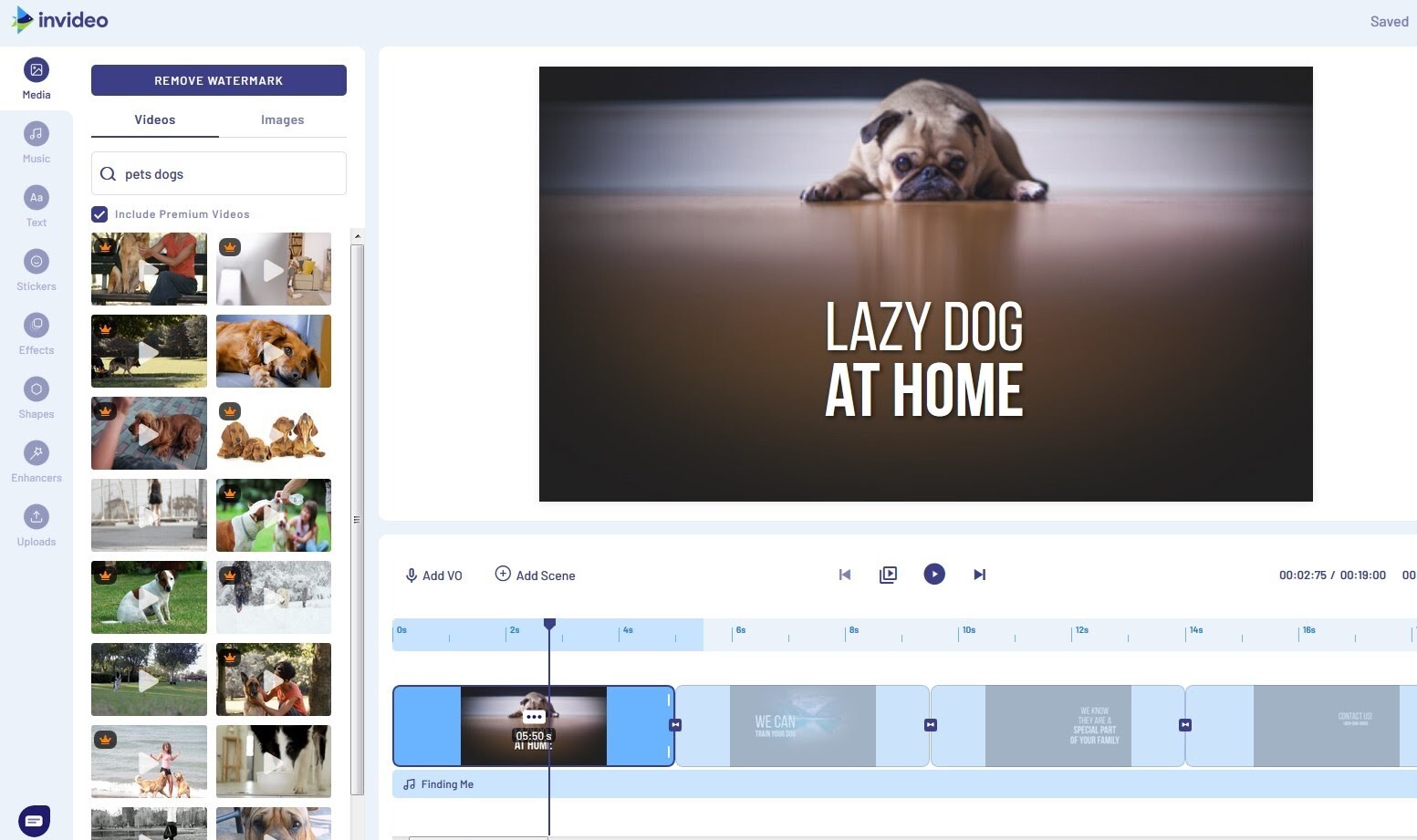
InVideo is an AI video creation platform for product ads, explainers, social content, promotions, and longer-form projects. Users can start with a prompt, script, image, or reference file, then generate scenes with AI models for video, audio, images, and music. Its agents retain project context and support scriptwriting, storyboarding, editing, and collaboration within one workspace.
Key features:
- AI video agents: Assign tasks such as scriptwriting, editing, cinematography, sound design, and music selection to specialized agents
- Prompt-based video creation: Describes a concept or scene, and InVideo selects models, writes prompts, and generates the required assets
- Project memory: Retains characters, locations, costumes, and visual details across scenes to maintain consistency
- Storyboarding tools: Converts a script or idea into a shot-by-shot plan before generating the final footage
Pricing:
- Plus: Starts at $17 per month
- Max: Starts at $85 per month
- Generative: Starts at $170 per month
- Elite: Starts at $900 per month
User testimonials:
“The AI-generated result isn't always accurate on the first try, so I usually need to change a few scenes or rewrite parts of the script. Longer videos also take more time to refine, and some advanced editing controls feel limited compared to traditional video editing software. I also wish the credit usage were easier to understand before generating videos.” User testimonial
7. Leadde
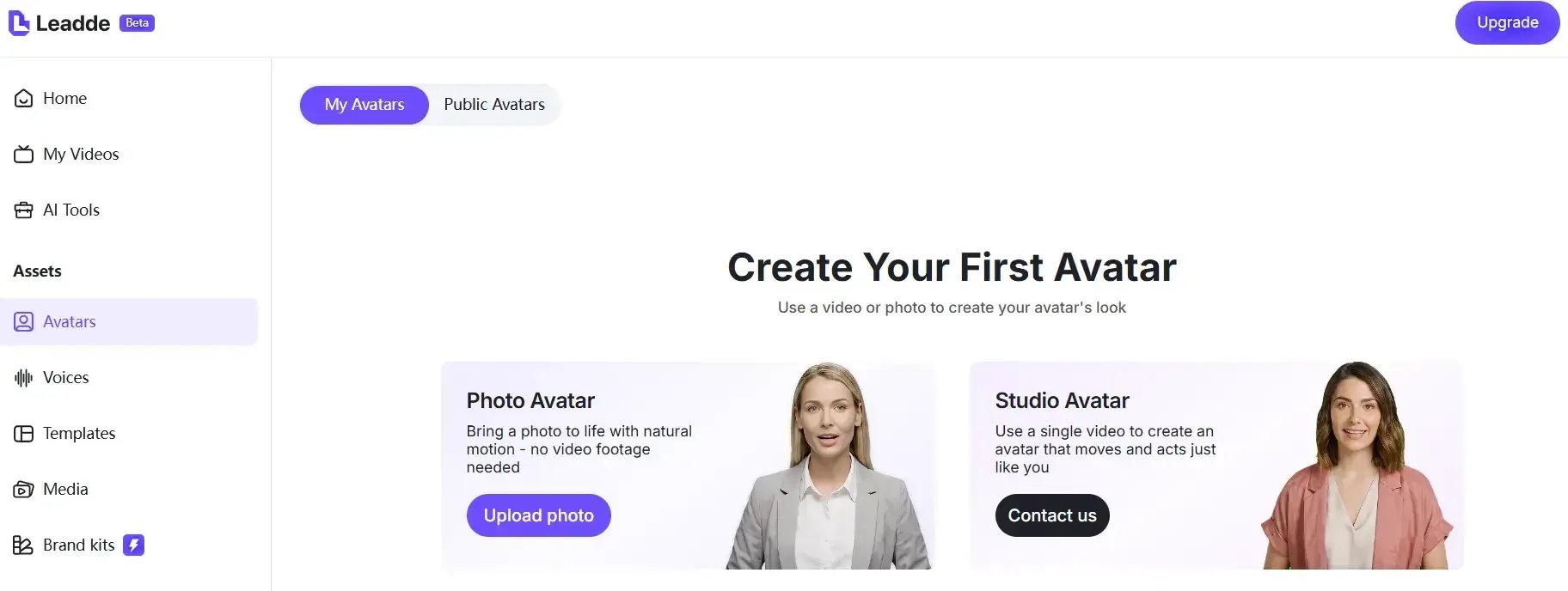
Leadde is an AI video platform for training, onboarding, tutorials, product launches, and internal processes. It turns PDFs, PowerPoint files, documents, scripts, and text into structured video scenes with avatars and narration. Teams can publish, localize, update, and track video content from the same workspace.
Key features:
- Document-to-video creation: Converts PDFs, PowerPoint files, Word documents, scripts, and text into organized video scenes
- AI avatars and voices: Adds stock or custom avatars, cloned voices, and narration in 88 languages and 175 dialects
- Automatic scene layout: Turns source content into an outline, then arranges the main points across video scenes
- Interactive video chat: Lets viewers ask questions about the content and receive responses within the video experience
Pricing:
- Free: $0 per month
- Starter: Starts at $15 per month
- Creator: Starts at $49 per month
- Enterprise: Custom pricing
User testimonials: User testimonials not available
8. Loom
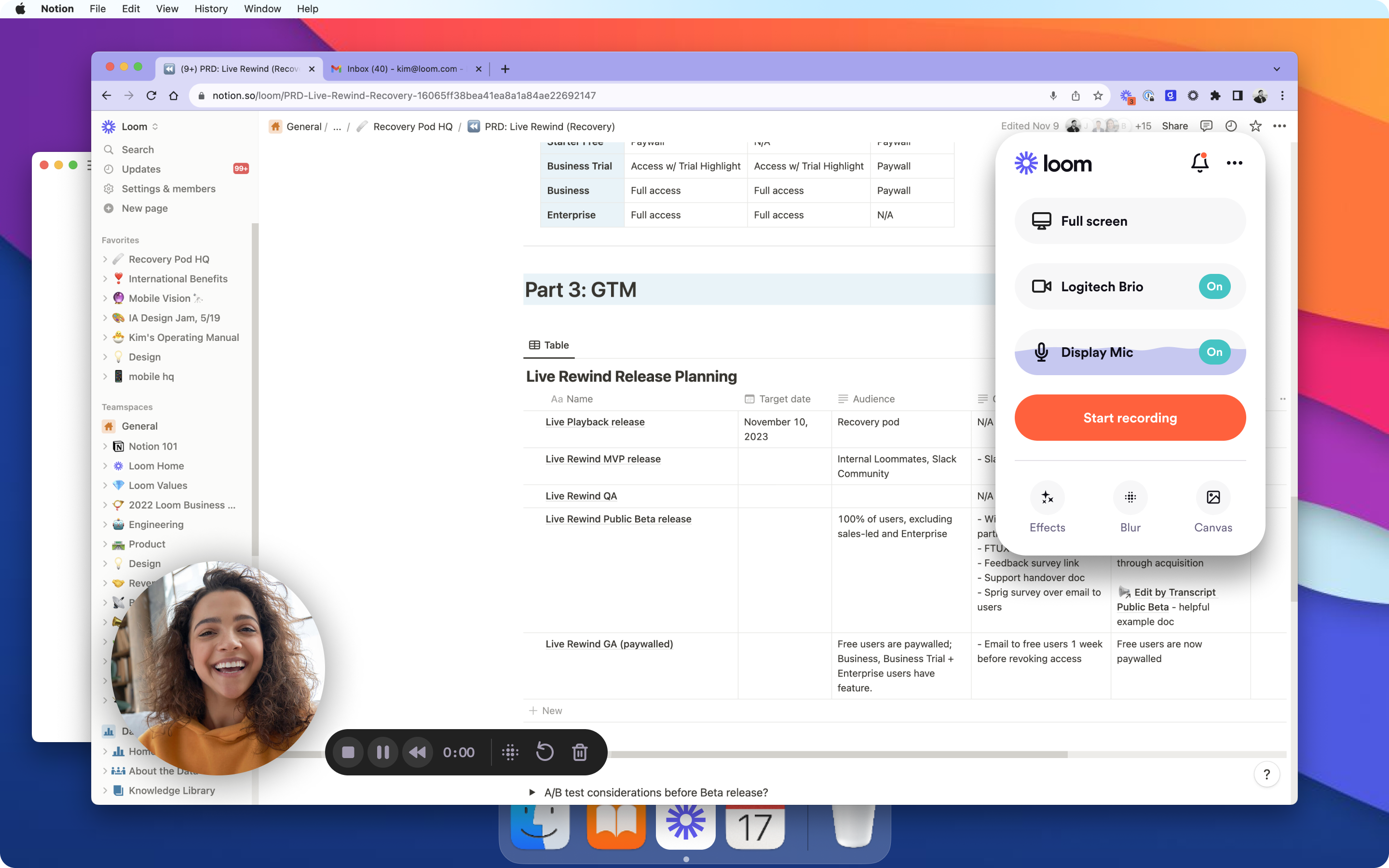
Loom is a screen recording and video messaging platform for product demos, walkthroughs, sales outreach, support, and internal communication. It records the screen, camera, microphone, and system audio, then gives users editing, sharing, and engagement tools. You can publish videos through links or embeds and manage recordings through shared workspaces and libraries.
Key features:
- Screen and camera recording: Captures your screen, webcam, microphone, and system audio through the browser extension, desktop app, or mobile app
- Video editing: Trims clips, stitches recordings, edits by transcript, and adds text, arrows, boxes, backgrounds, or custom thumbnails
- Loom AI: Generates titles, summaries, chapters, calls to action, notes, and written documents from recorded videos
- Sharing and embeds: Sends recordings via links or embeds them in tools such as Slack, Gmail, Notion, Jira, and Salesforce
Pricing:
- Starter: $0 per month
- Business: Starts at $18 per user per month
- Business + AI: Starts at $24 per user per month
- Enterprise: Custom pricing
User testimonials:
“Loom irritates me because bigger recordings don't process fast enough, especially when I need to share them right away. Also, the free plan feels limiting once I record videos regularly. Many helpful features are only in the paid versions, so switching to those becomes necessary.” User testimonial
9. Navattic
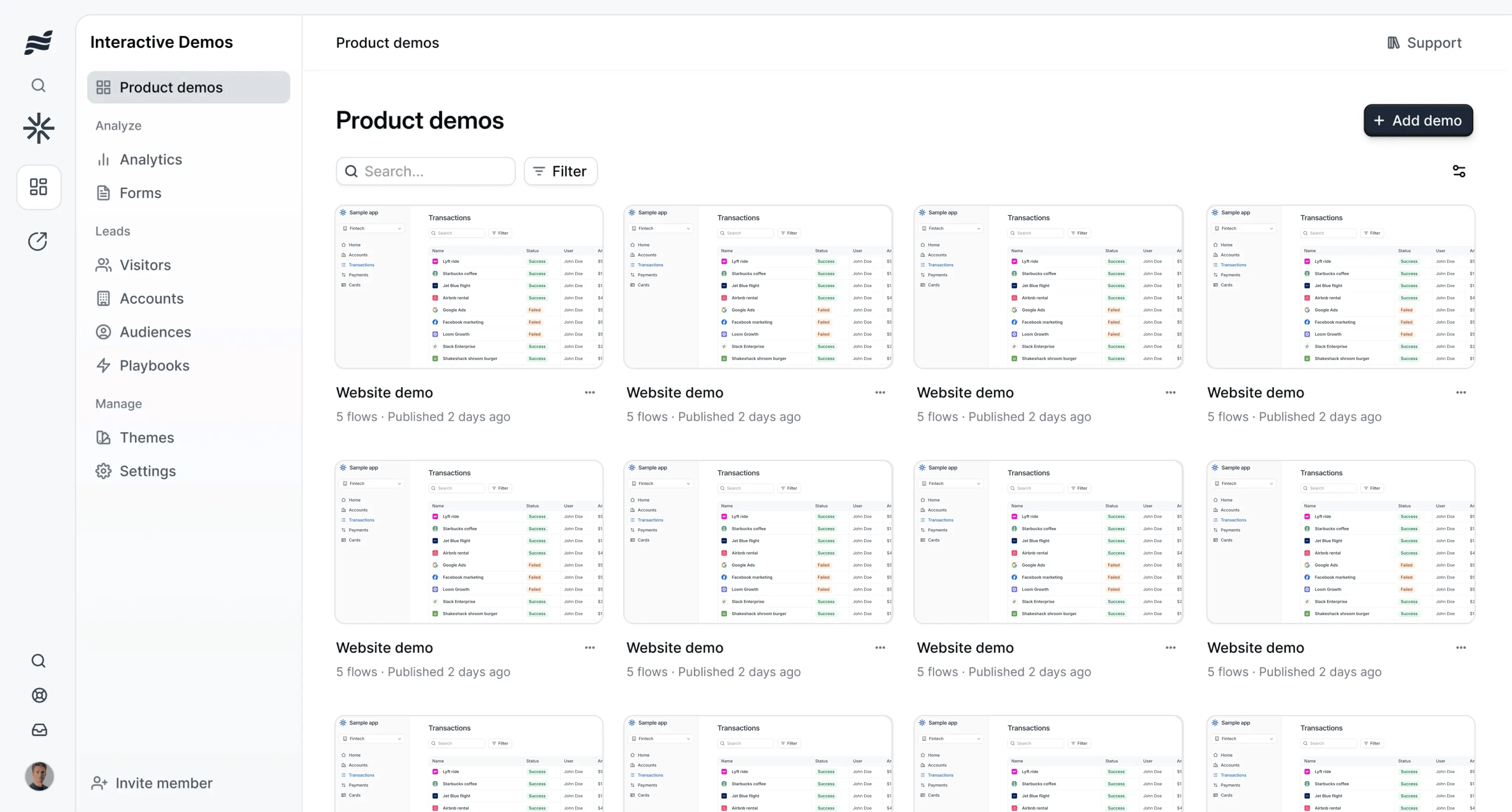
Navattic is an interactive demo and demo automation platform for marketing, sales, and solutions engineering teams. It turns captured product screens into guided demos that buyers can explore without entering a live environment. Teams can also use AI agents to answer questions, present workflows, qualify prospects, and surface content during buyer conversations.
Key features:
- Navattic Agents: Guides buyers through autonomous conversations, answers questions, qualifies interest, and presents relevant workflows or content
- AI Copilot: Builds demos from captured product screens and generates steps based on product context and demo patterns
- Interactive demos: Adds hotspots, checklists, voiceovers, translations, forms, and branching paths to captured product experiences
- Launchpad: Shares tailored demos before and after sales calls, collects buyer interest, and supports internal sharing across buying groups
Pricing:
- Starter: $0 per month
- Startup: Starts at $125 per month
- Base: Starts at $500 per month
- Growth: Starts at $1,000 per month
- Enterprise: Custom pricing
User testimonials:
“Nothing specific comes to mind. I’ve run into a bug here or there, like with any software, but it’s usually addressed and fixed promptly.” User testimonial
10. ngram
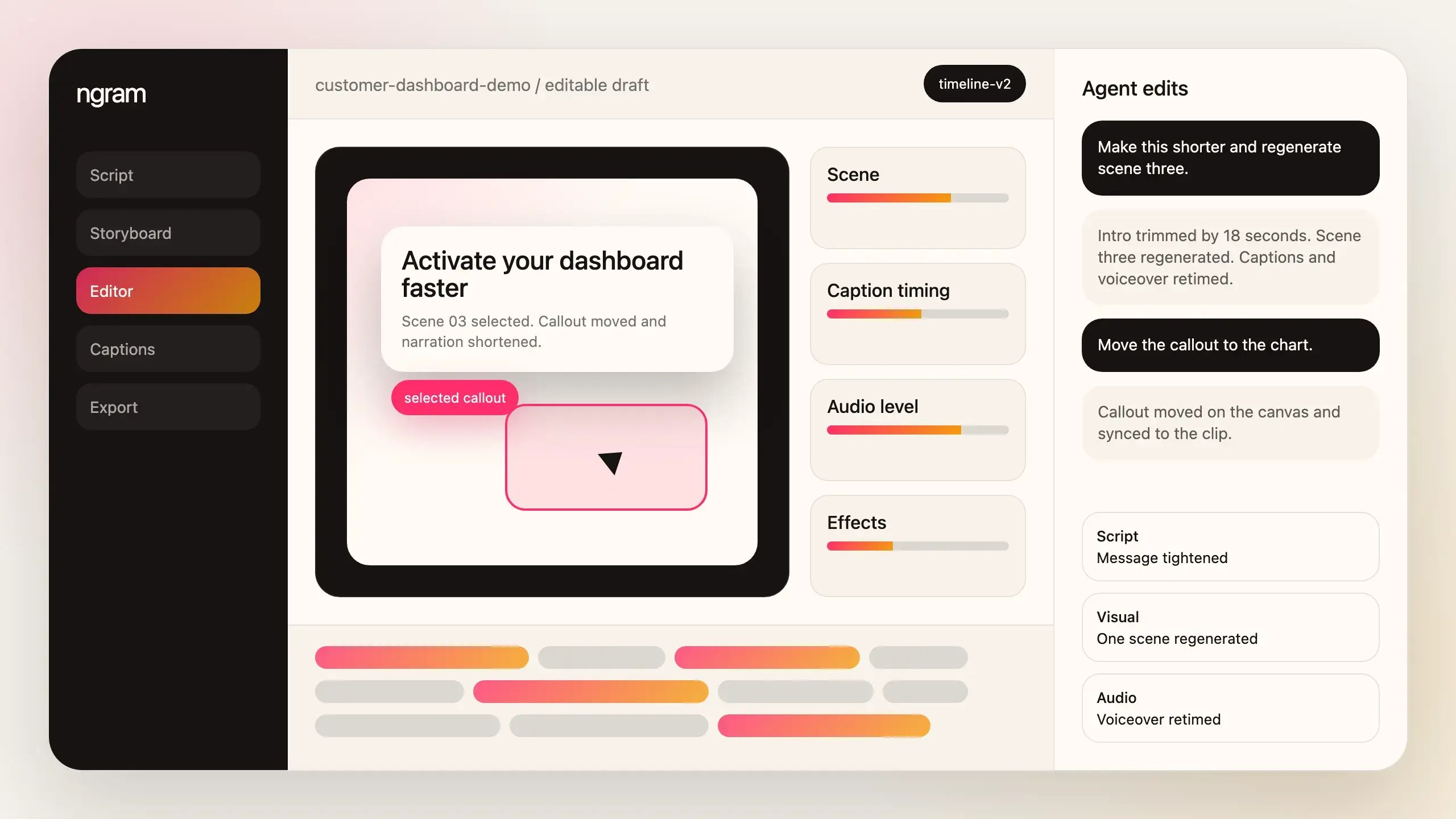
ngram is an AI video creation platform for product demos, feature announcements, onboarding, tutorials, and sales content. It turns documents, URLs, screen recordings, images, scripts, and text into storyboards, voiceovers, captions, music, and video scenes. Users can define the audience, goal, style, and length, then revise the script and storyboard with plain-language instructions.
Key features:
- Multiple content inputs: Creates videos from product documents, PDFs, URLs, screenshots, images, text, and screen recordings
- AI storyboarding and scripting: Turns source material into a structured narrative before generating the video
- Plain-language editing: Revises scenes, scripts, pacing, or length by describing the change instead of rebuilding the project
- Generated media: Adds AI-created footage, images, avatars, voiceovers, music, captions, and motion graphics
Pricing:
- Free: $0
- Basic: Starts at $23.20 per month
- Premium: Starts at $47.20 per month
- Ultimate: Starts at $239.20 per month
- Enterprise: Custom pricing
User testimonials:
“The output can be a bit generic depending on the campaign, so we usually need to make some edits before it’s ready to use, especially for anything client-facing.” User testimonials
11. Screen Studio
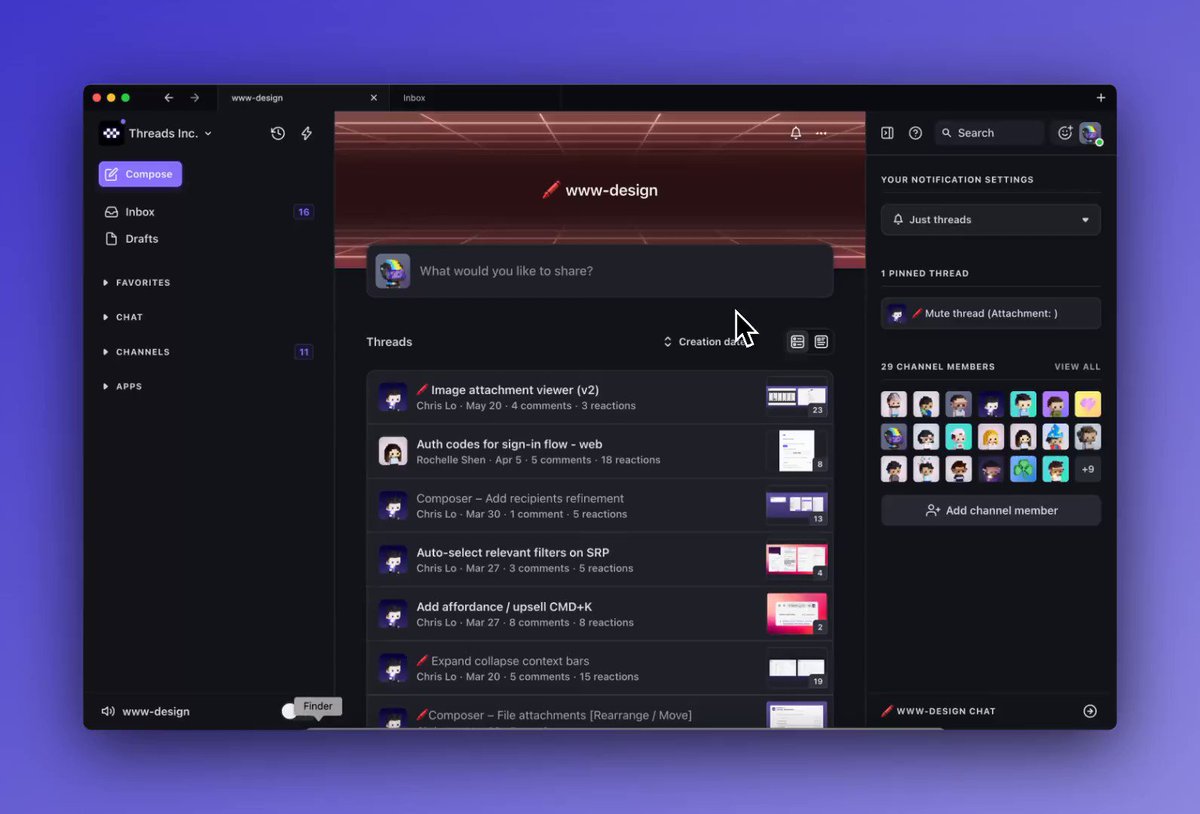
Screen Studio is a macOS screen recorder for product demos, tutorials, courses, and social media videos. It records the screen, webcam, microphone, system audio, and connected iOS devices. The editor adds zooms, cursor effects, branding, captions, and export settings after recording.
Key features:
- Automatic zoom: Focuses the recording on clicks and cursor activity, with manual controls for adjusting each zoom on the timeline
- Cursor effects: Smooths cursor movement, changes its size, hides it when inactive, and returns it to its starting position for looping videos
- Recording controls: Captures a screen, webcam, microphone, system audio, or connected iPhone and iPad
- Audio enhancement: Normalizes voice volume and removes background noise from recorded narration
Pricing:
- Monthly: Starts at $29 per month
- Yearly: Starts at $9 per month, billed yearly
User testimonials:
“No Windows support. Also, trimming doesn't correlate with the picture clearly when dragged.” User testimonial
12. Synthesia
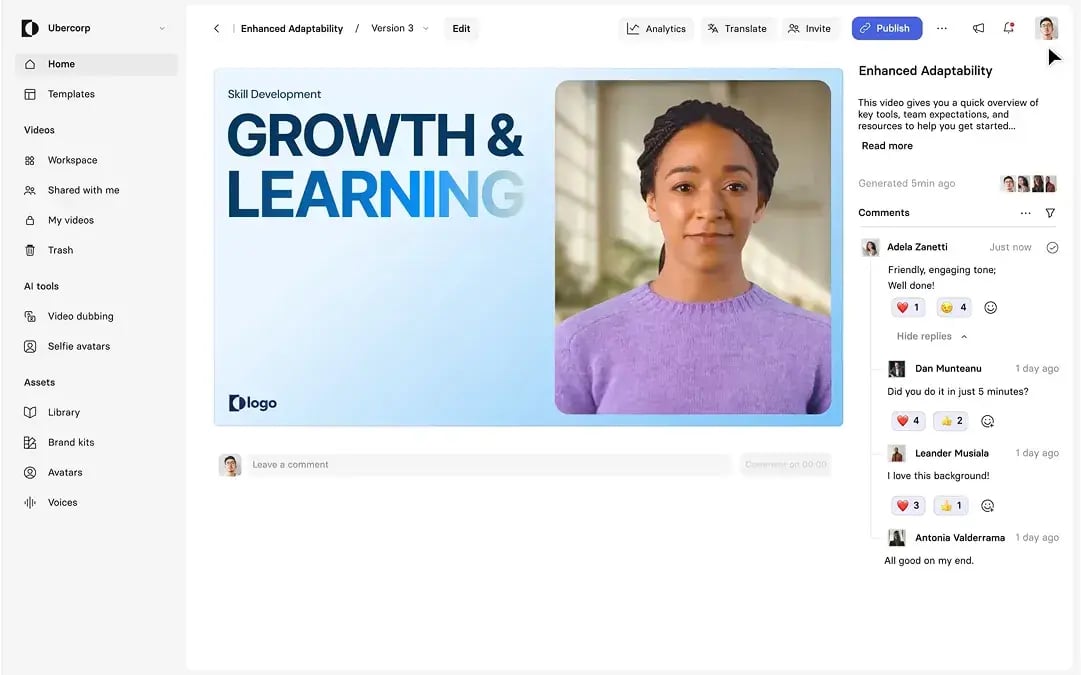
Synthesia is an AI video platform for training, onboarding, sales enablement, marketing, and internal communications. It turns scripts, documents, links, presentations, and screen recordings into videos with AI avatars and voiceovers. Teams can translate, review, update, publish, and track videos from the same workspace.
Key features:
- AI avatars: Creates videos with stock, personal, studio, or branded avatars that present scripts in more than 160 languages
- AI Video Assistant: Turns documents, links, presentations, or written ideas into structured video scenes that follow brand settings
- AI screen recording: Records software workflows, removes filler words, edits the transcript, and updates the narration without recording again
- Translation and dubbing: Translates videos, preserves the original voice and accent, and matches translated speech to the speaker’s lip movements
Pricing:
- Basic: $0 per month
- Starter: Starts at $14 per month
- Creator: Starts at $59 per month
- Enterprise: Custom pricing
User testimonials:
“It produces different things, like different pronunciations of the same word in the same video. Even using the new feature of speaking the pronunciation of a word.” User testimonial
Features to Look for in Product Demo Video Software
The right software should help your team produce clear, accurate demos without turning every product update into another editing project. Compare each platform based on how well it supports your workflow, content standards, and publishing needs.
|
Feature |
Why it matters |
What to look for |
|---|---|---|
|
AI-powered editing |
AI can reduce time spent removing pauses, cleaning audio, adding captions, and rebuilding scenes after small changes. |
Text-based editing, automatic captions, filler-word removal, background cleanup, translation, dubbing, and prompt-based updates. |
|
Screen recording quality |
Blurry text, choppy movement, or poor audio can make a polished SaaS product appear difficult to use. |
High-resolution recording, clear audio capture, cursor smoothing, automatic zoom, adjustable framing, and support for multiple screen sizes. |
|
Voiceover and narration |
Clear narration explains what is happening on screen and connects each action to a buyer's need. |
Built-in recording, AI-generated voices, pronunciation controls, editable scripts, multiple languages, and audio replacement without rerecording the video. |
|
Branding controls |
Consistent colors, fonts, logos, and layouts make demos recognizable across marketing and sales channels. |
Reusable brand kits, templates, custom fonts, logo placement, color controls, branded players, and shared settings for multiple creators. |
|
Export flexibility |
Teams may need the same demo for a website, sales email, social post, presentation, or help center. |
MP4 and GIF exports, shareable links, website embeds, interactive formats, adjustable dimensions, caption files, and control over resolution. |
|
Speed to publish |
Long production cycles can leave demos showing outdated screens, features, or messaging. |
Reusable scenes, simple review workflows, collaborative editing, quick updates, templates, and the ability to change content without recording the entire demo again. |
|
Pricing |
Low starting prices can hide extra costs for seats, AI usage, storage, exports, or advanced branding. |
Clear plan limits, including AI credits, seat requirements, export restrictions, storage allowances, add-on fees, and pricing that matches expected production volume. |
Close More Deals with SaaS Product Demo Video Software
Product demo software should do more than help your team record a polished walkthrough. It should help buyers understand the product, explore relevant workflows, and share what they learn with other decision-makers.
Static videos can explain a feature or introduce a use case. Interactive demos go further by letting each buyer choose what to explore. Sales teams can then see which products, features, and topics received the most attention.
Consensus combines AI-powered content creation with interactive videos, tours, and simulations. Teams can create demos with Trupeer, personalize each experience, and use buyer engagement data to guide the next conversation.